
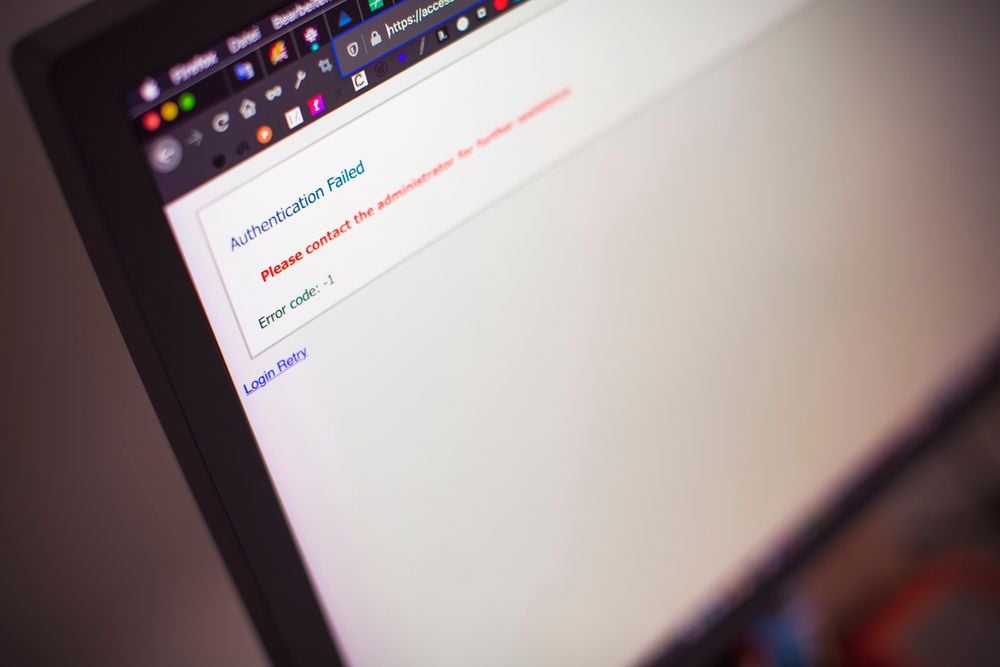

A website outage creates a communication problem just as quickly as it creates a technical one. Customers may try to visit your site, place an order, submit a form, or access their account, only to find nothing working. What should you say when your website is down?
Be frank with your audience and tell them about the issue before they find out from others or on their own. Reassure them you’re doing your best and tell them when to expect an update. Be brief, and don’t make promises you can’t keep.
I started this guide with practical templates you can copy and paste, then edit slightly to fit your situation. Remember to personalize them for your situation and brand voice.
Website Down Message Templates You Can Copy and Paste
While the best case would be to never have website downtime, it’s likely to strike at one point or another, no matter what we do. When it happens, be as proactive as possible, and send emails before spending time finding the root cause. These templates give you a starting point for the most common situations. Replace the details in brackets with information that applies to your situation.
1. Short Outage Email
Subject: Our Website Is Temporarily Unavailable
Hi [Customer Name],
Our website is experiencing a technical issue that’s preventing you from accessing our online services. Our team is working to identify the issue and restore normal service as quickly as possible. We’re sorry for the inconvenience and will update you further at ______ or sooner. For immediate assistance, contact us via _______.
Thanks for your patience,
____________.
I recommend this template for general apology emails because it acknowledges the problem without guessing or making unnecessary promises. Instead, it tells your audience when to expect an update.
2. Planned Maintenance Notice
Subject: Planned Website Maintenance
Please note that our website may be down during scheduled maintenance, from _____ to ____.
During the maintenance, some website features may be temporarily unavailable. We expect normal service to resume by___. Sorry for the unintended inconvenience, and thanks for your patience.
If you need assistance before maintenance begins, please contact us at [_____].
This template lets you tell customers about the downtime before they encounter it independently. Include the maintenance window, what customers can expect during that time, and when you expect service to return to normal.
3. Social Media Posts
Your audience is likely to run to social media to hear about the outage and see if others are experiencing the same inconvenience. It’s better if users hear about the issue from you than from others, because then you can control the messaging.
Therefore, be the first to post about the outage. Keep the message short, acknowledge the issue, and point people to your status page or another place where they can follow updates.
Copy-Paste Template:
Our website is experiencing technical interruptions, and some users cannot access their accounts. We’re looking into this disruption and apologize for the inconvenience. Follow live updates here: _______]
4. Status-Page Banner
Current Status: We Are Experiencing Technical Difficulties
We’re currently experiencing an issue affecting access to our website. Our team is investigating the problem and working to restore normal service. We’ll update you again by_____, and sorry for the disruption.
Pin this high-visibility banner to the top of your help center or dedicated status page. It immediately validates the user’s experience so they don’t waste time repeatedly refreshing a broken page.
5. “Still Down After Hours” Follow-Up
Copy-Paste Template:
Subject: Update: Ongoing Website Issues & Our Progress
Hi [Customer Name],
Here’s an update on the website outage from earlier today. Our technical team is still working to resolve an unexpected issue.
Because this is taking longer than anticipated, our website will remain unavailable for the next few hours.
All customer data remains completely secure, and we appreciate your patience. We will send our next update by__, or as soon as full service is restored.
For urgent requests, kindly contact our support team at ______.
Best regards,
[Company Name] Team
Use this template when a minor glitch goes unsolved for hours. It works as it offers reassurance and transparency without making reckless promises.
What to Include in a Website Down Message
Be proactive and act fast to let visitors know before they find out for themselves. Your communication needs to be fast, clear, and reassuring, so we recommend covering four core elements.
1. The Acknowledgment
Clearly state that your website is down. Do not try to hide or minimize the issue. Acknowledge the problem upfront so customers know you are aware of it.
2. The Impact
Tell users what’s affected. Can they buy or even contact you via the website? Are any tools affected?
3. The Action
Explain that your team is actively working to resolve the issue. You do not need to explain how they are fixing it, just that they are on it.
4. The Alternative
Provide a temporary way for customers to reach you or complete urgent tasks. Give them an option like a support email or a phone number.
What Not to Promise Your Customers
Managing expectations during an outage is crucial, so avoid these three common communication pitfalls.
A. Avoid Exact ETAs
Don’t promise the site will be back up by a specific minute because you’ll damage customer trust if you miss the deadline you set for yourself.
B. Skip Technical Jargon
Keep language simple because the average internet user is unfamiliar with database migrations, server configurations, or DNS propagation. Go for simple terms such as “Technical difficulties” or “system updates.”
C. Postpone Compensation Guarantees
Avoid making unnecessary promises on refunds and discounts. You first get the website back online and assess the damage before figuring out compensation issues.
Best Practices for Crisis Communication
Clear communication keeps a technical issue from turning into a reputation problem. Use these practices to manage your messaging effectively during an outage.
Over-Communicate on Social Channels
Pin your update to the top of your social profiles and update your bio with a link to your status page if the outage is prolonged, so visitors see the status immediately.
Align Internal Teams
Feed your customer support and sales teams the same script so they don’t give conflicting information to the public. Such miscoordination increases confusion and damages trust.
Centralize Traffic to a Status Page
Ushers your audience to a dedicated status page or help center to keep traffic away from your main servers. That way, you also save your visitors from repeatedly refreshing a broken page.
Document the Post-Mortem
Send a final update after fully restoring your website to close the loop.
How to Handle Security Fears During an Outage
Customers often assume a sudden website outage means a cyberattack or data breach. So, there’s a need to address these security fears and protect your brand reputation.
State Data Safety Early
Tell your patrons if and when their data and payment information are secure. You don’t need a full forensic report to offer baseline reassurance if core databases are secure.
Separate Outages from Breaches
Assert that the technical or server issue has nothing to do with a data breach. Your audience needs to know whether it’s a website error or a malicious attack that may have exposed their data.
The most embarrassing outages are the ones due to hosting issues. Here’s why your hosting plan impacts marketing ROI.
Provide a Security Contact
Give concerned users a direct way to reach your security or compliance team. I suggest a dedicated email address for privacy questions to arrest panic on social media.
Protect Your Reputation When the Screen Goes Blank
A website outage is inevitable, but a communication breakdown is optional. I recommend protecting your reputation by leading with transparency and keeping your messages brief. Of course, you must also avoid unrealistic promises.
The best “Sorry, our website is down” message is usually brief and explicit. I also recommend preparing your templates and distribution channels in advance. That way, you can focus on fixing the root problem.